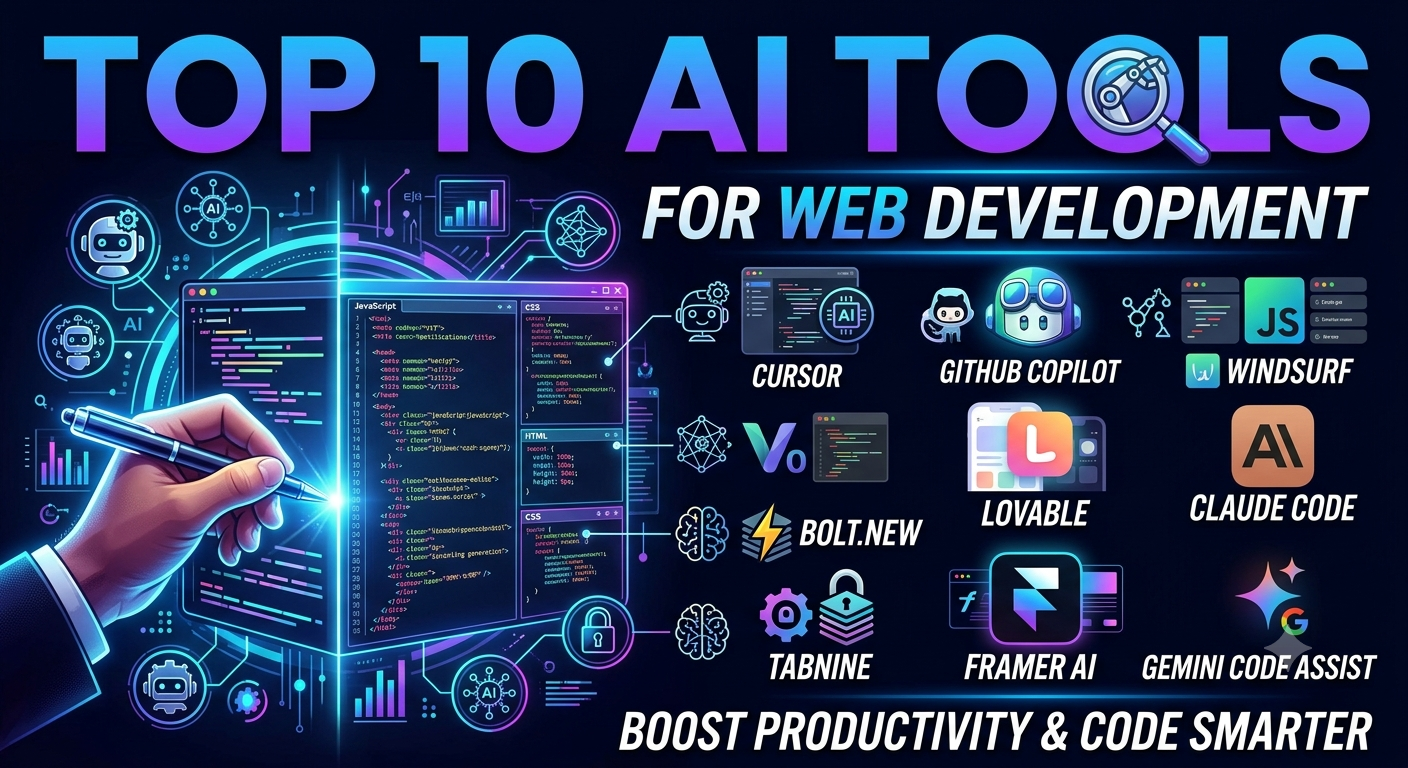
Artificial intelligence has transformed web development from a manual, line-by-line coding process into a collaborative, high-speed engineering workflow. Modern developers leverage AI to eliminate repetitive boilerplate, generate production-ready UI components, refactor legacy code bases, and automatically debug full-stack applications.
Whether you are a solo developer launching MVPs in hours or an enterprise engineering team optimizing sprint performance, choosing the right AI tools is critical. This comprehensive guide reviews the top 10 AI tools for web development, examining their core capabilities, target use cases, and key advantages.
Quick Comparison: Best AI Web Development Tools
| Tool | Primary Focus | Best For | Key Advantage |
| Cursor | AI-Native IDE | Full-Stack Developers | Deep codebase context and multi-file code editing |
| GitHub Copilot | Inline Autocomplete | Daily Productivity & Teams | Seamless integration across major code editors |
| v0 by Vercel | Generative UI | Frontend & React Engineers | High-quality React & Tailwind CSS component output |
| Windsurf | Agentic IDE | Interactive Pair Programming | Proactive multi-file reasoning via “Cascade” agent |
| Lovable | Full-Stack App Builder | Rapid MVP Prototyping | Instant web app creation with integrated backend tools |
| Claude Code | Terminal AI Agent | Complex Refactoring & Audits | Autonomous, CLI-driven end-to-end task execution |
| Bolt.new | Browser-Based IDE | Zero-Setup Prototyping | Full-stack WebContainer environment directly in the browser |
| Tabnine | Private Code Completion | Enterprise & Security Teams | On-premises deployment and zero data retention guarantees |
| Framer AI | Visual Web Builder | Marketers & Designers | Text-to-website publishing without writing code |
| Gemini Code Assist | Enterprise Developer AI | Cloud & Multi-Language Projects | Large context window and deep Google Cloud integration |
Detailed Analysis of the Top 10 AI Web Development Tools
1. Cursor: The AI-Native Code Editor
Cursor is a fork of Visual Studio Code built from the ground up to integrate modern large language models directly into the editing experience. Unlike basic extension-based autocompletes, Cursor maintains an indexed map of your entire repository.
-
Key Features:
-
Composer Mode: Describe complex features in natural language, and Cursor will generate, modify, and apply edits across multiple files simultaneously.
-
Codebase Indexing: Contextually aware answers based on your actual project structure, dependencies, and local environment.
-
Privacy Control: Offers local indexing options and strict privacy modes so proprietary code remains confidential.
-
-
Why Developers Love It: It retains compatibility with all VS Code extensions while drastically reducing the time needed to refactor backend routing or write frontend UI logic.
2. GitHub Copilot: The Industry Standard Assistant
Powered by OpenAI models and trained on billions of lines of public code, GitHub Copilot remains the default AI extension for millions of web developers worldwide.
-
Key Features:
-
Real-time Suggestions: Provides context-aware code completions as you type in JavaScript, TypeScript, Python, HTML, CSS, and dozens of other languages.
-
Copilot Chat: In-editor chat panel to explain functions, generate unit test suites, and fix syntax errors inline.
-
Pull Request Summaries: Automatically writes descriptive summaries for GitHub pull requests based on diff analysis.
-
-
Why Developers Love It: It integrates effortlessly into VS Code, JetBrains IDEs, and Neovim, making it ideal for developers who want quick, reliable autocomplete without changing their editor.
3. v0 by Vercel: Prompt-to-UI Component Generator
Developed by Vercel, v0 utilizes generative AI to turn text prompts or visual wireframes into styled React and HTML code.
-
Key Features:
-
Production-Ready Code: Outputs modern React components styled with Tailwind CSS and accessible UI primitives (e.g., Shadcn UI).
-
Figma & Image Conversion: Upload a screenshot or design mock, and v0 will reproduce the interface layout in code.
-
Conversational Iteration: Refine layout spacing, colors, animations, and state behavior through follow-up prompts.
-
-
Why Developers Love It: Front-end developers can bypass hours of manual UI scaffolding and export clean code directly into Next.js applications.
4. Windsurf: Agentic Pair Programming
Windsurf (developed by Codeium) brings an “agentic” workflow to web development. Its core engine, Cascade, works alongside the developer by tracking active tabs, terminal output, and file changes.
-
Key Features:
-
Cascade AI Flow: Proactively anticipates upcoming tasks, suggests next steps, and applies multi-file changes.
-
Command Execution: Runs terminal commands, tests code output, and diagnoses build failures automatically.
-
Deep Rules & Memory: Allows teams to define project-specific coding guidelines that the AI strictly adheres to.
-
-
Why Developers Love It: It creates a collaborative “flow state” where the AI acts as an active pair programmer rather than a passive text generator.
5. Lovable: Rapid Full-Stack App Creator
Lovable focuses on turning ideas into fully functional web applications through natural language interaction.
-
Key Features:
-
Full-Stack Capability: Integrates frontend design with backend infrastructure such as Supabase for database management and authentication.
-
Visual Editor: Click and modify design elements directly on screen while the AI updates the underlying code.
-
Instant Deployment: Publish web apps with public URLs in a single click.
-
-
Why Developers Love It: Startup founders, product managers, and full-stack developers can build working MVPs and dashboard interfaces without manual setup.
6. Claude Code: Command-Line Autonomous Developer
Claude Code is Anthropic’s agentic development tool operated entirely through the terminal interface.
-
Key Features:
-
Terminal-Native Agent: Scans your project directory, parses git logs, runs test suites, and writes code directly through command-line interaction.
-
Autonomous Problem Solving: Given a goal like “implement user authentication with JWT,” Claude Code creates an execution plan, edits necessary files, and verifies the solution.
-
Complex Refactoring: Excels at architectural changes across large codebases due to its massive context window.
-
-
Why Developers Love It: Senior engineers and backend developers can delegate tedious refactoring and bug-fixing tasks directly to a command-line agent.
7. Bolt.new: In-Browser Full-Stack Environment
Built on StackBlitz’s WebContainer technology, Bolt.new allows developers to prompt, build, execute, and deploy full-stack Node.js applications directly inside a web browser.
-
Key Features:
-
Zero Setup Required: No need to install local npm packages, terminal dependencies, or local servers.
-
Live Preview: Renders application changes in real time within an embedded browser window.
-
Full Ecosystem Support: Supports modern modern frameworks including React, Vue, Svelte, Next.js, and Vite.
-
-
Why Developers Love It: Perfect for rapid prototyping, reproducing bugs in clean environments, or trying out new web frameworks instantaneously.
8. Tabnine: Privacy-First AI Completion
For developers working under strict enterprise compliance or privacy regulations, Tabnine provides a secure, privacy-centric AI coding assistant.
-
Key Features:
-
Isolated Training Models: Can be trained exclusively on your private code repositories without exposing data to public models.
-
Air-Gapped Deployment: Supports on-premises host environments and virtual private clouds (VPC).
-
IP Indemnification: Protects businesses against potential copyright claims by guaranteeing no open-source license violations.
-
-
Why Developers Love It: Financial institutions, healthcare platforms, and enterprise legal teams can leverage AI coding benefits without violating compliance standard regulations.
9. Framer AI: Visual Web Design & Publishing
Framer AI bridges the gap between digital design and production-ready web publishing.
-
Key Features:
-
Prompt-to-Website: Generates complete responsive landing pages, typography pairs, and color palettes from textual prompts.
-
Advanced Micro-Interactions: Includes built-in support for scroll effects, 3D transformations, and smooth component animations.
-
Integrated CMS & SEO: Provides built-in hosting, content management systems, and automatic SEO optimization tools.
-
-
Why Developers Love It: Ideal for agencies and front-end designers building marketing sites, portfolio projects, and SaaS landing pages without custom backend code.
10. Gemini Code Assist: Enterprise Intelligence
Powered by Google’s advanced Gemini models, Gemini Code Assist offers massive context windows designed for complex cloud and web applications.
-
Key Features:
-
Massive Context Understanding: Analyzes vast codebases to handle large-scale cross-file dependencies and documentation processing.
-
Google Cloud Integration: Seamlessly assists with cloud deployments, serverless functions, and database connectivity.
-
Multi-IDE Support: Available as an extension for VS Code, JetBrains, and Google Cloud Workstations.
-
-
Why Developers Love It: Highly effective for web applications deployed on cloud infrastructure, providing deep architectural reasoning and multi-language support.
How to Choose the Right AI Web Development Tool
When selecting AI tools for your stack, consider the following parameters:
-
Development Stage: For preliminary visual design and wireframing, use tools like v0 or Framer AI. For writing full-stack application code, select Cursor, Windsurf, or GitHub Copilot.
-
Privacy Requirements: If strict data security rules apply, opt for enterprise-grade solutions like Tabnine.
-
Task Complexity: Use terminal agents like Claude Code for large refactoring projects, and browser-based sandboxes like Bolt.new for quick testing.
Integrating AI into your web development workflow does not replace software engineering fundamentals; rather, it amplifies developer output. By automating repetitive code generation and streamlining debugging, these top 10 AI tools enable developers to focus on higher-level architecture, security, and user experience.
Penulis: W.S








Post Comment