
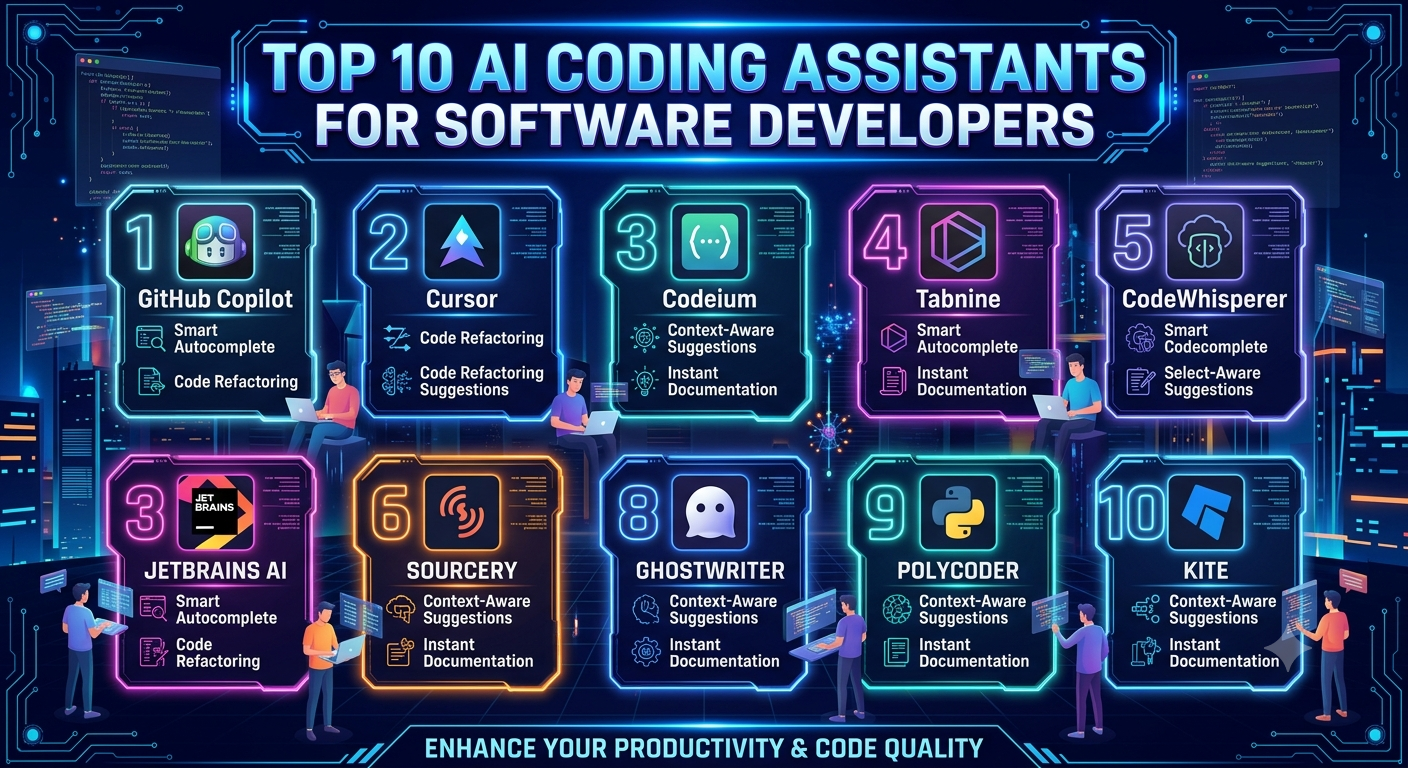
The landscape of software engineering has undergone a massive transformation. Artificial intelligence is no longer restricted to simple autocomplete suggestions or basic syntax highlighting. Modern AI coding assistants act as autonomous pair programmers, comprehensive repository indexers, and advanced architectural advisors capable of handling multi-file changes, debugging complex async blocks, and managing cloud infrastructure.
Choosing the right tool can dramatically boost your development speed, reduce boilerplate fatigue, and help you navigate unfamiliar codebases. Below is an in-depth breakdown of the top 10 AI coding assistants dominating the software development industry.
1. GitHub Copilot
As one of the most mature and widely adopted tools available, GitHub Copilot (powered by OpenAI and Microsoft technology) remains the foundational standard for universal IDE integration.
- Best For: Everyday multi-language development and seamless cross-platform support.
- Key Features: Lightning-fast inline completions, Copilot Chat for interactive debugging, and broad compatibility with VS Code, JetBrains, Neovim, and Visual Studio.
- Why Choose It: It provides exceptional reliability and integrates smoothly into existing developer workflows without requiring you to change your primary editor.
2. Cursor
Cursor has emerged as a powerhouse by offering an AI-first, standalone code editor forked directly from VS Code.
- Best For: Immersive, repository-aware coding and advanced multi-file edits.
- Key Features: The
Cmd+Kinline editing feature and “Composer” mode, which allows the AI to make synchronized modifications across multiple files simultaneously. - Why Choose It: If you want an environment where the AI has deep semantic context of your entire project out-of-the-box, Cursor is a top-tier choice.
3. Claude Code
Developed by Anthropic, Claude Code is a terminal-native command-line interface (CLI) agent built for developers who prefer shell-first workflows.
- Best For: Complex architectural reasoning, large-scale refactors, and multi-step debugging.
- Key Features: Massive context window handling (up to 1M tokens), execution of shell and testing commands, and autonomous sub-agents that plan and verify code changes.
- Why Choose It: Ideal for heavy-duty problem solving, breaking down monolithic applications, and executing deep codebase analyses from your terminal.
4. Windsurf
Windsurf by Codeium is an innovative AI-native IDE designed around collaborative agentic workflows, blending human direction with autonomous coding flows.
- Best For: Fast prototyping and interactive wizard-like agent execution.
- Key Features: The Cascade panel for unified prompt handling, predictive code generation, and deep workspace indexing.
- Why Choose It: It offers a smooth, fluid user experience for developers who want a dedicated assistant to handle routine scaffolding and implementation tasks.
5. Amazon Q Developer
Formerly known as Amazon CodeWhisperer, Amazon Q Developer is tailor-made for engineers building and operating applications within the AWS ecosystem.
- Best For: Cloud-native architecture, AWS security scans, and cloud migration.
- Key Features: Generates idiomatic code using AWS SDKs, troubleshoots IAM policies, and optimizes cloud resources directly from your IDE.
- Why Choose It: If your stack relies heavily on Amazon Web Services, Amazon Q serves as an embedded cloud architect.
6. Tabnine
For organizations with strict compliance requirements, Tabnine focuses heavily on enterprise-grade data privacy and secure deployment configurations.
- Best For: Privacy-conscious teams and air-gapped or on-prem environments.
- Key Features: Local model deployment options, zero data retention policies, and custom model training tailored to proprietary codebases.
- Why Choose It: It is one of the few enterprise solutions that guarantees code privacy without compromising on smart inline completions.
7. Cody by Sourcegraph
Built on top of Sourcegraph’s powerful code search engine, Cody uses advanced code graphs to map out massive enterprise repositories.
- Best For: Navigating, explaining, and onboarding onto massive, legacy codebases.
- Key Features: Cross-repository context retrieval, deep code-search integration, and support for multiple LLM backends.
- Why Choose It: Perfect for large engineering teams struggling to understand undocumented legacy systems or sprawling microservices.
8. Continue
Continue is an open-source, highly customizable autopilot plugin for software development that puts full control back into the hands of the developer.
- Best For: Teams wanting a model-agnostic, open-source ecosystem.
- Key Features: Full support for local models (like Llama or CodeLlama) alongside commercial cloud APIs, custom chat commands, and flexible IDE integration.
- Why Choose It: If you want to avoid vendor lock-in and want complete autonomy over your AI stack, Continue provides an exceptional open-source foundation.
9. Gemini Code Assist
Powered by Google’s advanced machine learning infrastructure, Gemini Code Assist integrates tightly with Google Cloud Platform and Android development environments.
- Best For: Android application development and Google Cloud services.
- Key Features: Long context window support, automated unit test generation, and native guidance for APIs like Firebase, BigQuery, and Cloud Run.
- Why Choose It: A must-have tool for developers deeply embedded in the Google developer ecosystem.
10. Codeium
Codeium provides a robust, high-performance alternative that balances broad multi-IDE support with a generous accessibility tier.
- Best For: Developers looking for broad compatibility across multiple editors without high entry costs.
- Key Features: Ultra-fast autocomplete, compatibility across over 40 different IDE environments, and reliable semantic search capabilities.
- Why Choose It: It serves as an efficient, lightweight option if you frequently switch between different IDEs or require a strong free tier.
Summary Comparison Table
| Tool | Primary Strength | Best Environment |
| GitHub Copilot | Universal reliability & speed | VS Code, JetBrains, Neovim |
| Cursor | AI-native multi-file editing | Standalone IDE (VS Code fork) |
| Claude Code | Advanced terminal reasoning & workflows | Command Line / Terminal |
| Windsurf | Collaborative agentic workflows | Standalone IDE |
| Amazon Q | AWS cloud integration & security | VS Code, JetBrains |
| Tabnine | Enterprise data privacy & local models | Most major IDEs |
| Cody | Large codebase navigation | VS Code, JetBrains |
| Continue | Open-source flexibility & model choice | VS Code, JetBrains |
| Gemini Code Assist | Google Cloud & Android integration | Google Cloud / Android Studio |
| Codeium | Broad multi-IDE compatibility | 40+ Editors |
Conclusion
The evolution of AI coding assistants means there is no longer a one-size-fits-all solution. Developers who want quick, unobtrusive autocomplete might lean toward GitHub Copilot or Codeium, while power users looking for a fully native AI workspace often gravitate toward Cursor. Meanwhile, engineers tackling large-scale architectural refactors from the command line will find immense value in Claude Code. Evaluate your team’s workflow, security policies, and day-to-day habits to choose the assistant that best accelerates your coding velocity.
WRITER : INDAH PATMA SARI