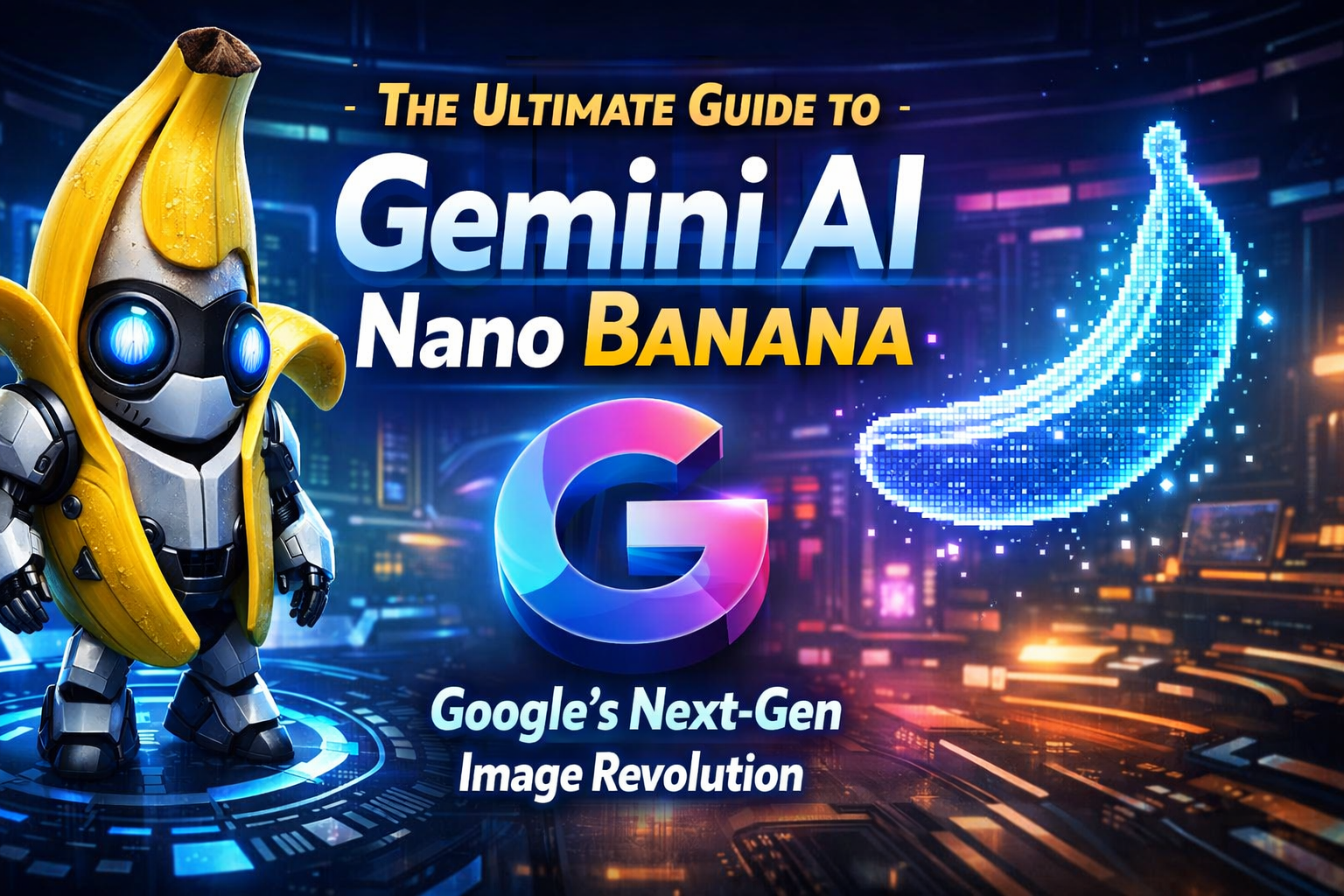
In the rapidly evolving world of artificial intelligence, names often carry as much weight as the code behind them. What started as a viral codename on LMArena has now officially entered the Google ecosystem as a powerhouse of visual creativity. We are talking about Gemini AI Nano Banana.
Whether you are a professional designer, an SEO specialist, or a casual creator, understanding the nuances of Nano Banana and its sibling, Nano Banana Pro, is essential for staying ahead in the digital landscape. In this 2,000-word deep dive, we explore everything from its origins to its technical capabilities and how you can leverage it for your business.
What is Gemini AI Nano Banana?
At its core, Nano Banana is the codename for Gemini 2.5 Flash Image. It is a state-of-the-art model designed by Google to handle high-velocity image generation and sophisticated conversational editing.
While traditional AI image generators often require complex “prompt engineering” and struggle with consistency, Nano Banana was built for multimodal reasoning. This means it doesn’t just “draw” based on keywords; it understands the relationship between objects, lighting, and context within an image.
The Evolution: From Flash to Pro
Google has streamlined its image model family into two distinct tiers:
- Nano Banana (Standard): Powered by Gemini 2.5 Flash Image. Optimized for speed, efficiency, and high-volume tasks.
- Nano Banana Pro: Powered by Gemini 3 Pro Image. This model is the “Master of Logic,” offering advanced reasoning, high-fidelity text rendering (up to 4K), and the ability to follow complex, multi-layered instructions.
Key Features of Nano Banana and Nano Banana Pro
1. Conversational Image Editing
Unlike older models where you had to regenerate an entire image to fix a small mistake, Nano Banana allows for iterative refinement. You can upload a photo and simply say, “Change the color of the jacket to red” or “Remove the person in the background,” and the AI performs a targeted edit while maintaining the integrity of the rest of the image.
2. Character and Style Consistency
One of the biggest pain points in AI art has been keeping a character looking the same across different scenes. Nano Banana excels at Subject Identity. By using reference images, you can place the same character in various environments—from a futuristic city to a medieval forest—without losing their facial features or clothing style.
3. Advanced Text Rendering
Historically, AI has been notoriously bad at spelling. Nano Banana Pro changes the game with High-Fidelity Text Rendering. It can create posters, infographics, and product mockups with perfectly legible text, even wrapping words around 3D objects realistically.
4. Multi-Image Composition
With the ability to process up to 14 reference images simultaneously, Nano Banana Pro allows users to blend elements from different sources. You could take a background from one photo, a product from another, and a specific lighting style from a third to create a unified, professional asset.
The Origin Story: Why “Nano Banana”?
You might wonder why a professional Google model has such a whimsical name. The name originated from a Google engineer named Naina, whose nicknames were “Naina Banana” and “Nano.” When the team needed a codename for the Gemini 2.5 Flash Image model for its debut on LMArena, they “smushed” the nicknames together.
The name went viral because the model’s performance was “ripe” for success. Users were stunned by its speed and precision, and the “Nano Banana” brand became so popular that Google officially adopted it in the Gemini UI, even adding a banana emoji to the “Create Image” button.
How to Use Gemini AI Nano Banana for Your Business
As an SEO-focused creator, you can use these models to streamline your workflow:
SEO and Content Marketing
- Custom Blog Visuals: Stop using generic stock photos. Use Nano Banana to create unique, high-quality hero images that match your article’s specific tone.
- Infographics: Use Nano Banana Pro to generate data-rich visuals for complex topics.
- Social Media Assets: Quickly generate 1:1 or 9:16 images for Instagram and TikTok using the “Fast” model for quick iterations.
Web Development and Design
- UI/UX Mockups: Generate layout ideas or icon sets that maintain a consistent brand aesthetic.
- Product Photography: If you have a basic photo of a product, you can use Nano Banana to “restyle” the scene, placing the product in a premium lifestyle setting without a professional photoshoot.
Technical Specifications: A Comparison
| Feature | Nano Banana (Flash) | Nano Banana Pro (Thinking) |
| Base Model | Gemini 2.5 Flash Image | Gemini 3 Pro Image |
| Best For | Speed, High-volume, Simple edits | Precision, Text, Complex Logic |
| Resolution | Standard High Definition | Up to 4K Resolution |
| Input Context | Multi-image support | Up to 14 reference images |
| Reasoning | Pattern-matching | “Thinking” / Visual Reasoning |
Practical Tips for Better Prompts
To get the most out of Nano Banana, follow these best practices:
- Be Specific with Action: Instead of “fix the background,” try “replace the cluttered office background with a blurred, sunlit cafe.”
- Use Positive Framing: Tell the AI what to include rather than what not to include.
- Iterate via Chat: Don’t try to get the perfect image in the first prompt. Get the base image right, then use follow-up messages to tweak details.
- Leverage “Thinking” Mode: For logos or images with text, always ensure you are using the Nano Banana Pro (Thinking) model for the best results.
The Future of Visual AI
Gemini AI Nano Banana represents a shift from AI as a “toy” to AI as a professional collaborator. By combining Google’s massive world knowledge with native multimodal capabilities, it bridges the gap between imagination and execution.
As we move through 2026, the integration of these models into tools like Google AI Studio and Vertex AI will only deepen, making high-end graphic design accessible to everyone with a prompt and a vision.





Post Comment